
In today’s digital world, having a website is no longer optional—it’s essential.
The good news? You don’t need to be a developer or know coding to build a professional website.
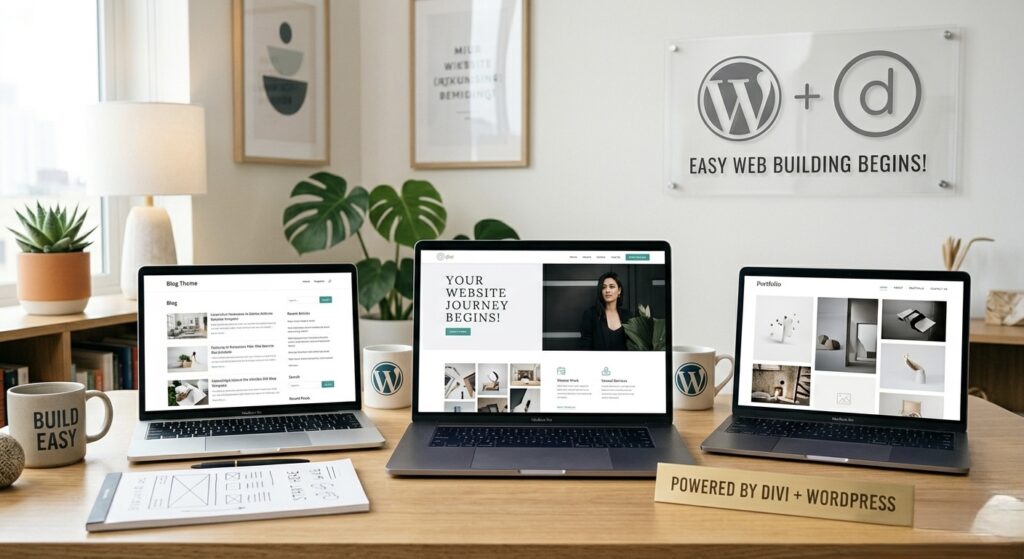
With powerful page builders like Elementor and Divi, anyone can create a stunning website quickly and efficiently.
In this guide, I’ll walk you through the easiest method to build your own website step by step.
Why Choose Elementor or Divi?
Both Elementor and Divi are beginner-friendly page builders for WordPress that allow you to design websites visually.
- Drag-and-drop interface
- No coding required
- Ready-made templates
- Fully customizable designs
- Mobile responsive features
Whether you’re building a personal brand, business website, or portfolio—these tools make the process simple.
Step 1: Get a Domain and Hosting
Before building your website, you need:
- A domain name (your website address)
- Web hosting (where your website lives online)
Choose a reliable hosting provider and connect your domain.
Step 2: Install WordPress
Most hosting providers offer one-click WordPress installation.
Once installed:
- Log in to your WordPress dashboard
- Choose a basic theme (lightweight themes work best)
Step 3: Install Elementor or Divi
Now it’s time to install your page builder.
- Go to Plugins → Add New
- Search for Elementor (free version available)
OR - Upload Divi (premium theme)
Activate the builder and you’re ready to design.
Step 4: Choose a Template or Start from Scratch
Both Elementor and Divi offer ready-made templates.
You can:
- Import a pre-designed layout
- Or build your website from scratch
For beginners, templates are the fastest way to get started.
Step 5: Customize Your Website
This is where the magic happens ✨
Using drag-and-drop:
- Add text, images, and videos
- Create sections like Home, About, Services, Contact
- Change colors, fonts, and layouts
- Add buttons and call-to-actions
No coding needed—everything is visual.
Step 6: Make It Mobile Responsive
Most visitors use mobile devices, so this step is important.
Both Elementor and Divi allow you to:
- Adjust spacing for mobile
- Resize text and images
- Preview your design on different devices
Step 7: Add Important Features
To make your website functional, add:
- Contact form
- Social media links (WhatsApp, LinkedIn, Email)
- Navigation menu
- Footer section
These improve user experience and help generate leads.
Step 8: Optimize and Publish
Before going live:
- Check website speed
- Optimize images (use WebP format)
- Test all links and buttons
Once everything looks good, hit Publish
Building a website is no longer complicated.
With tools like Elementor and Divi, you can create a professional, high-performing website without writing a single line of code.
The key is to start simple, stay consistent, and keep improving your design over time.